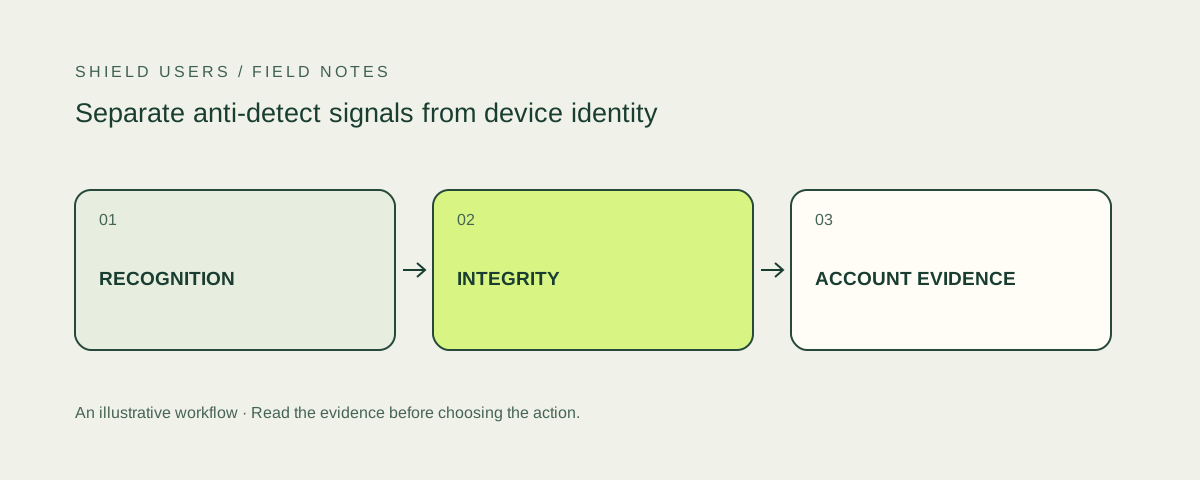
Recognizing an environment and detecting a manipulated environment are different jobs. A device identifier can help connect observations across visits. An integrity signal can suggest that a browser profile is unusual or manipulated. Neither output, in isolation, proves who controls an account.
Inspect the account action first.
Browser updates can change an ordinary customer’s observed identity. A familiar environment can also perform a sensitive action that deserves review. Keep both scenarios in your repeat-signup or risky-login investigation.
Give each output a separate field
Keep device or visitor identity, integrity signals, collection status and authenticated user identity separate in the application model. Include the observation time and the action that caused collection. A compact model is easier to investigate than a single permanent good-or-bad tag.
For example, an internal observation can link a provider request ID to your user ID and action ID. It can retain the returned device identifier and a list of named signals. The example does not require a particular vendor schema; the full reviews identify the collection approach for each product.
Look for corroboration, not a browser name
An unfamiliar browser name is not a complete integrity check. Products document different types of evidence, including tampering, automation, operating-system inconsistencies and suspicious profiles. Evaluate the definition and the availability of the particular field.
Fingerprint’s Smart Signals reference lists product-specific observations. SEON’s integration documentation describes a broader device collection path. Read their requirements before assuming that similarly named results are interchangeable.
Define the relationship to the account event
| Question | Evidence to examine | Common mistake |
|---|---|---|
| Is this environment familiar? | Device identity and prior observations | Equating recognition with permission |
| Does the environment show manipulation? | Named, supported integrity signals | Treating a changed attribute as proof |
| Is a product rule being bypassed? | Linked accounts and repeated restricted actions | Treating all shared devices as abusive |
| Is the account still controlled by its owner? | Authentication, recovery and activity history | Treating a new device as takeover |
This model makes the investigation specific. A manipulated profile appearing on a public information page is not the same event as several linked accounts receiving a restricted credit. The business action determines which additional evidence is needed.
Test ordinary variation alongside controlled manipulation
Create test profiles your team owns. Record the settings changed and the time of each observation. Include ordinary browser updates, privacy settings and common extensions so the pilot measures variation as well as intentionally modified profiles.
Run the same protected action in each scenario. Check whether the result was complete, which signal fired and how the account action was handled. Do not convert a small set of demonstrations into an accuracy claim about every browser configuration.
Preserve a recovery route
If a legitimate customer is restricted, support needs enough detail to inspect the policy without asking that customer to expose unrelated browsing data. Link the case to the relevant application action and explain what verification can restore access.
For repeat-signup problems, the next useful step is the multi-accounting hub. For changes on an established account, use the account takeover hub. Those are different investigations even when the same browser-integrity signal appears in both.
Choose a product by the investigation you can run
A useful product returns information your team can interpret and associate with the account journey. Compare signal scope, identity continuity, server verification, platform support and the handling of incomplete checks. The decision should survive a field being missing, a customer appeal or an integration update.
Sources and further reading
Product and technical sources reviewed October 21, 2026.
FAQ
How to detect an antidetect browser?
Use documented integrity and consistency observations alongside controlled test profiles. Verify the returned signals, then connect them to the account action being investigated.
What is an anti detect browser?
It is a browser environment designed to isolate or alter profile characteristics. Detecting those changes is different from proving that a particular account action violates a product rule.